The ultimate desktop
reading environment.
AeroRead is a private, local-first workspace for your EPUBs and PDFs. Read without distractions, capture highlights and vocabulary, track your progress, and export everything seamlessly to Obsidian.
Everything you need to master your books
AeroRead combines a beautiful reading experience with powerful tools for personal knowledge management.
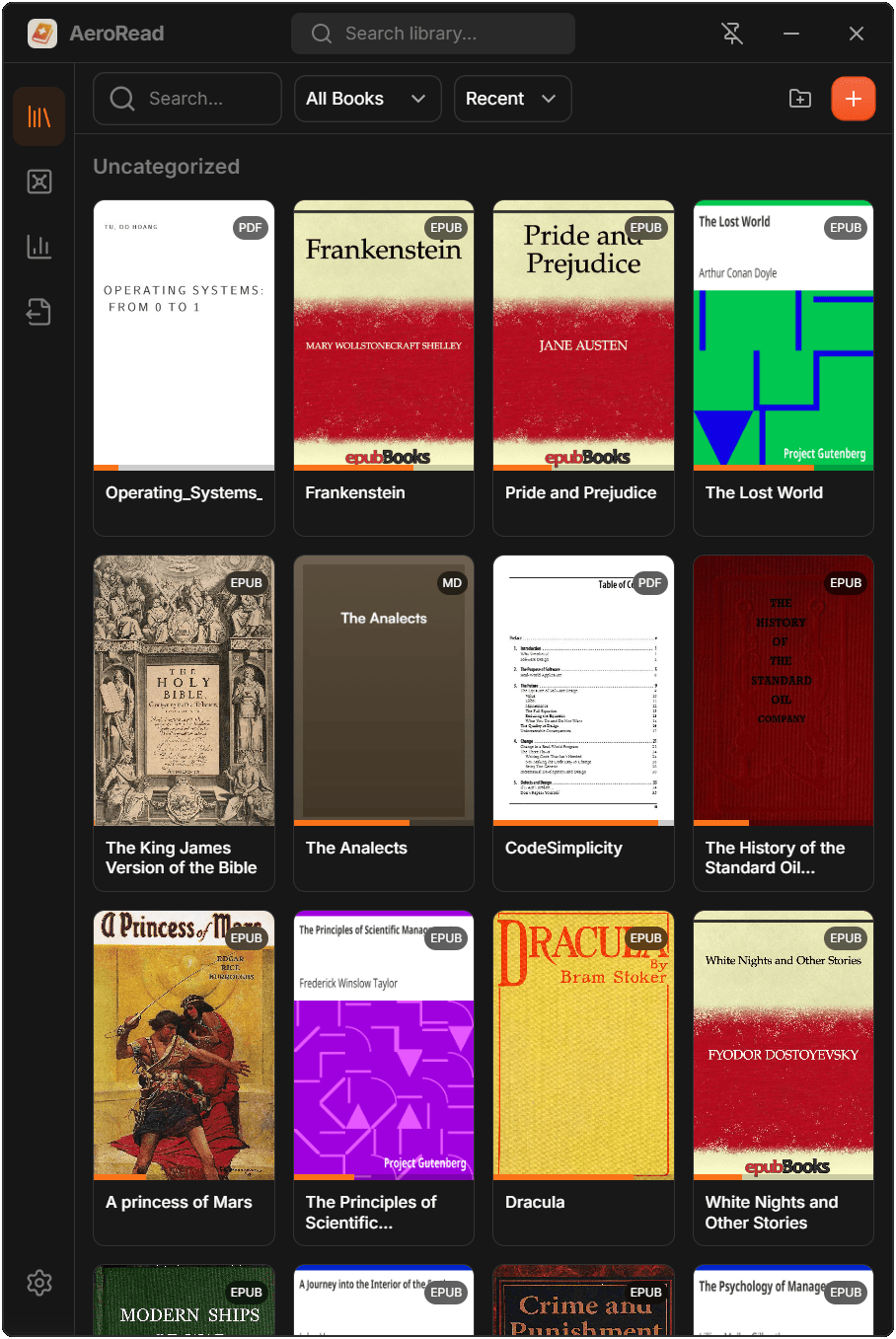
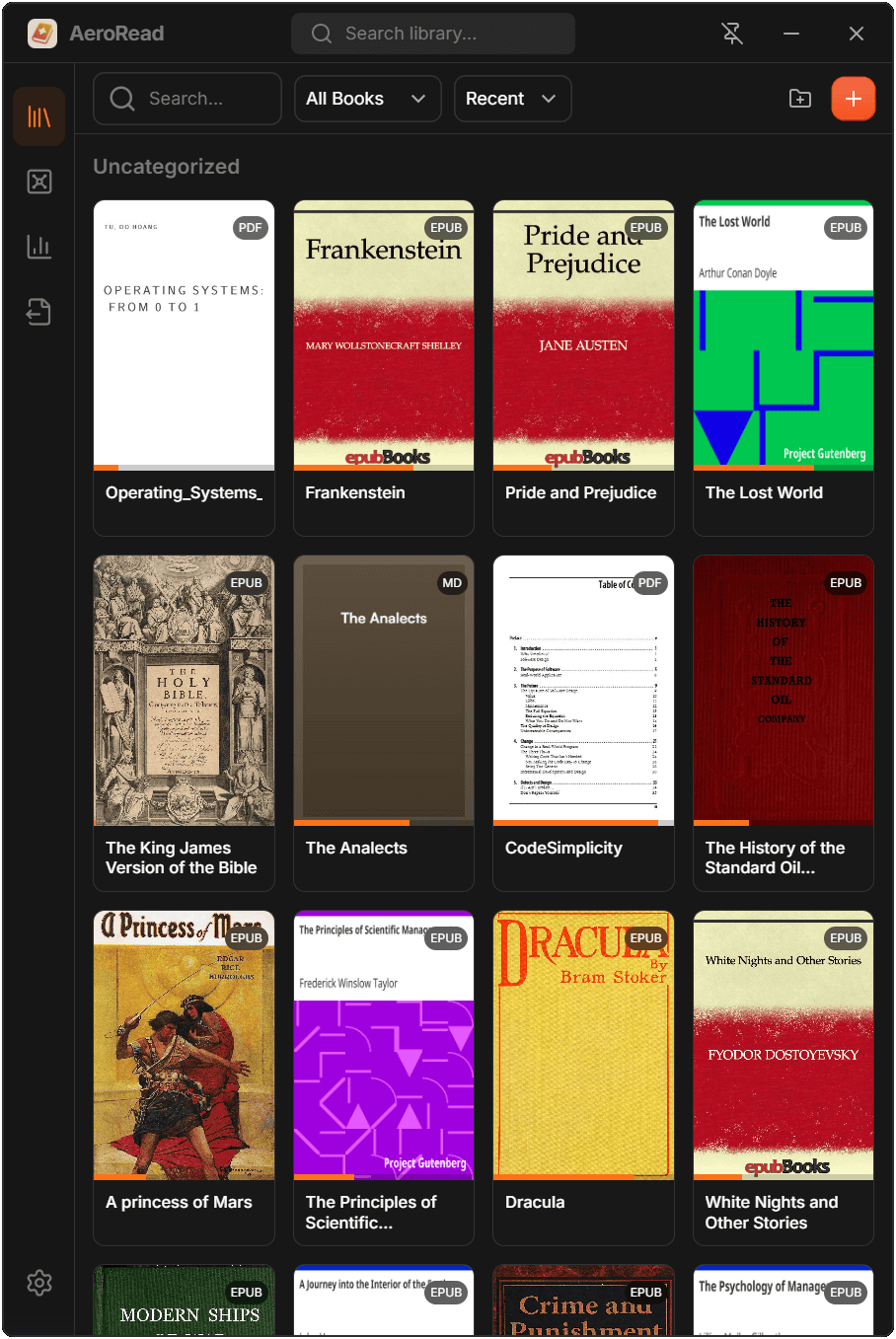
Organize your Library
Drag and drop EPUBs, PDFs, Markdown, and HTML files into AeroRead. Group them into collections, search instantly by title or author, and pick up exactly where you left off every time.
- EPUB, PDF, Markdown, HTML
- Collections & custom sorting
- Instant search across the whole library
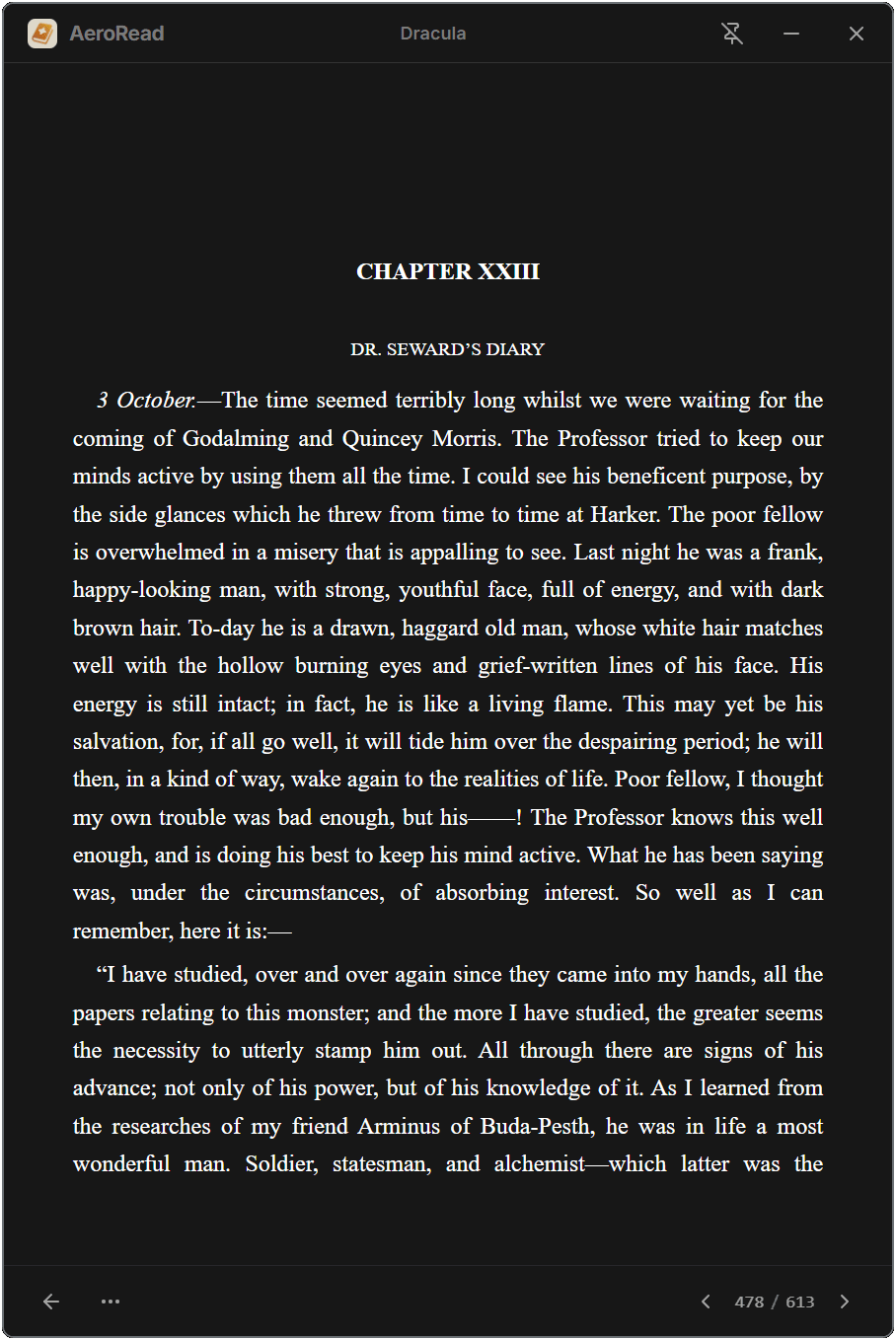
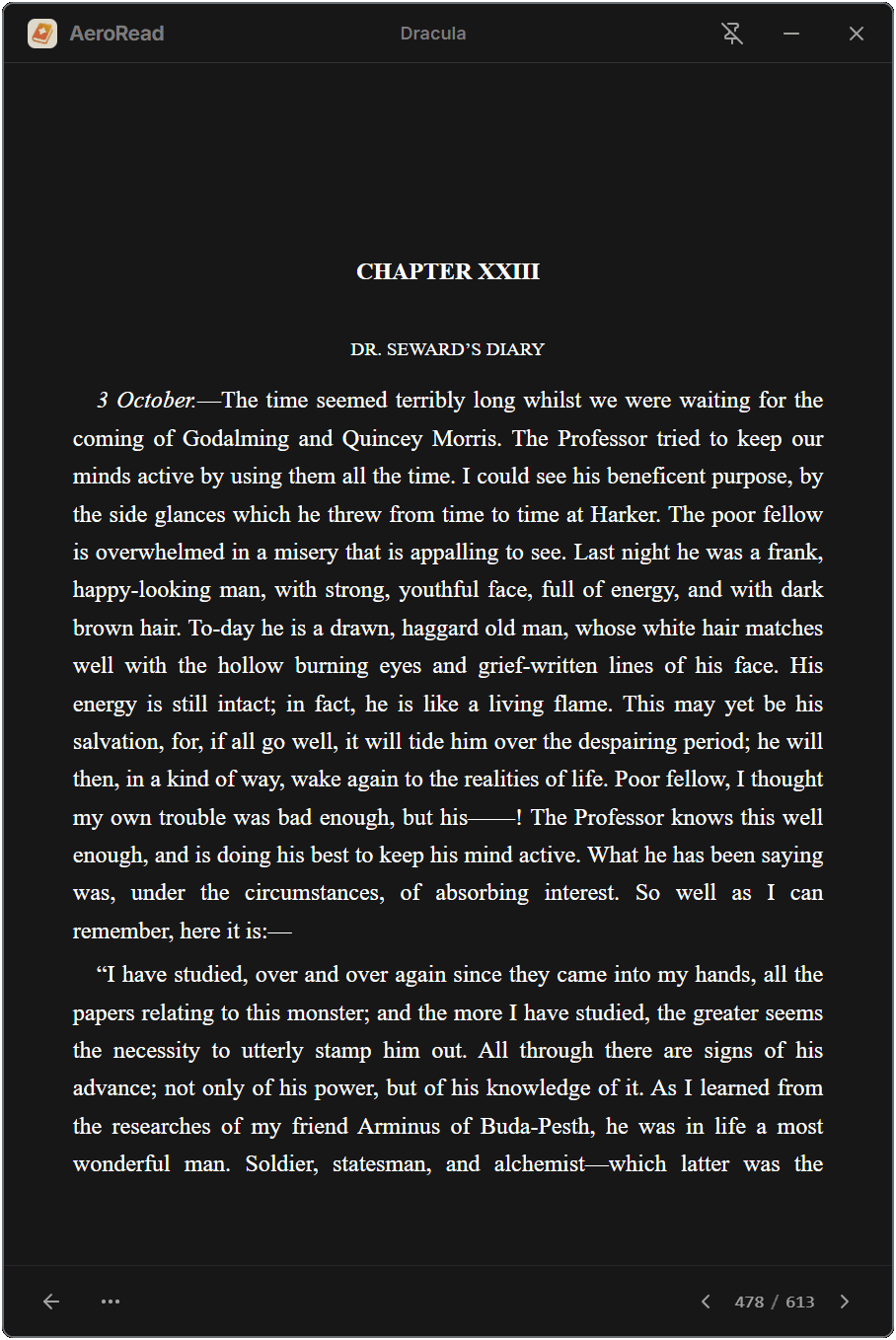
Distraction-free Reader
A clean, focused reading experience for EPUBs, PDFs, Markdown, and HTML. Switch between 9 handcrafted themes, navigate via table of contents, and stay on track with the built-in Pomodoro timer.
- 9 fully crafted reading themes
- Built-in Pomodoro timer
- Table of contents & bookmarks
The Knowledge Vault
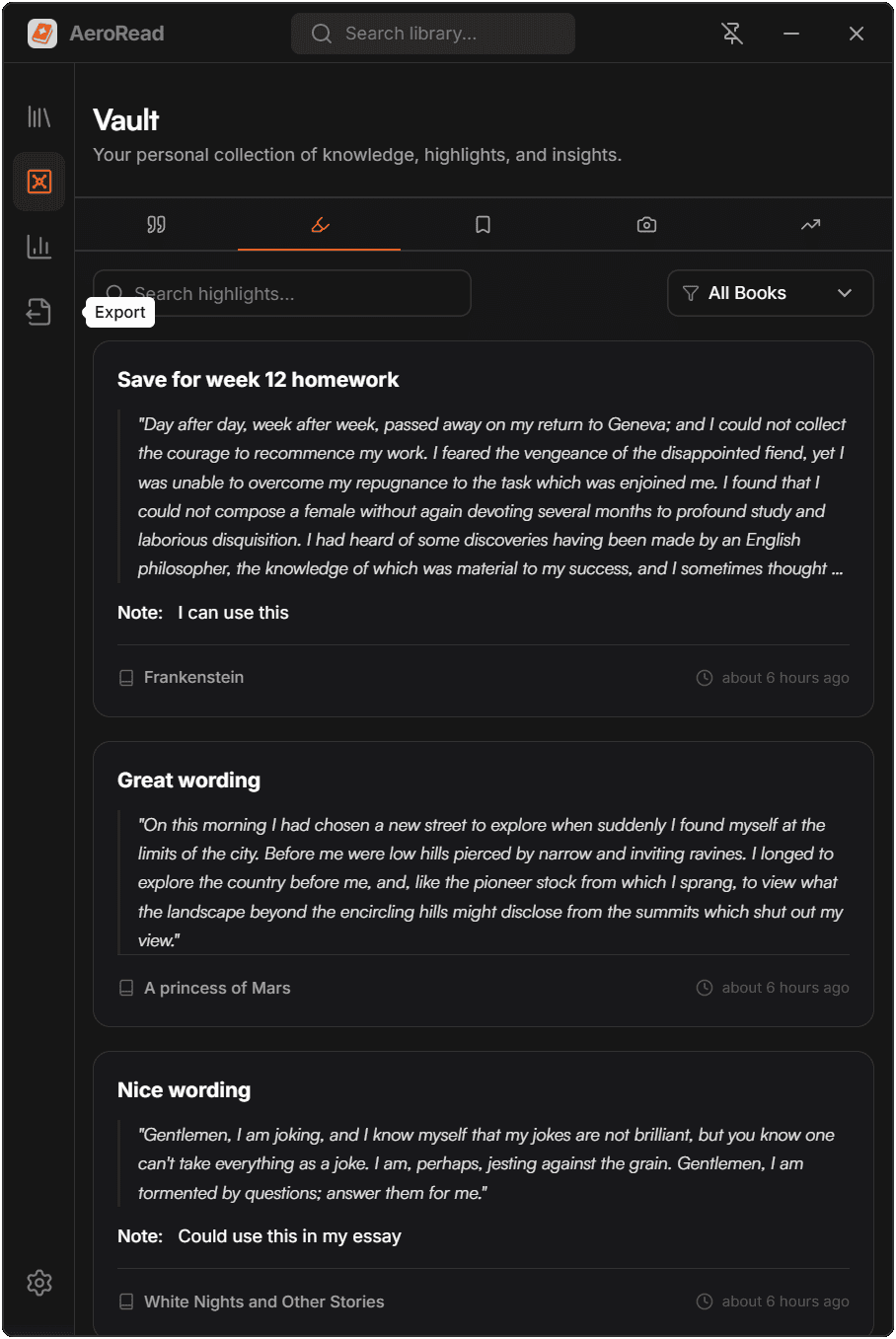
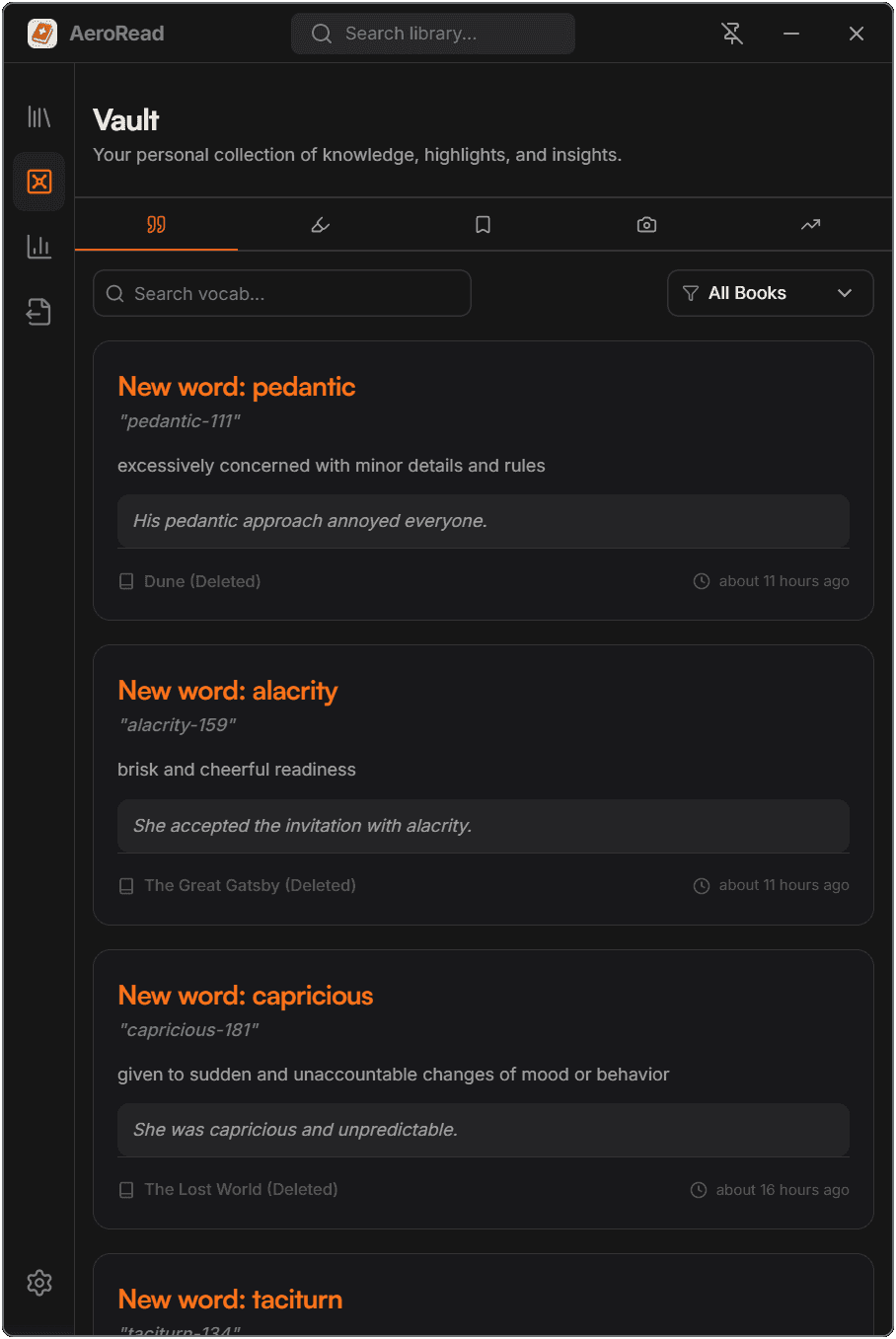
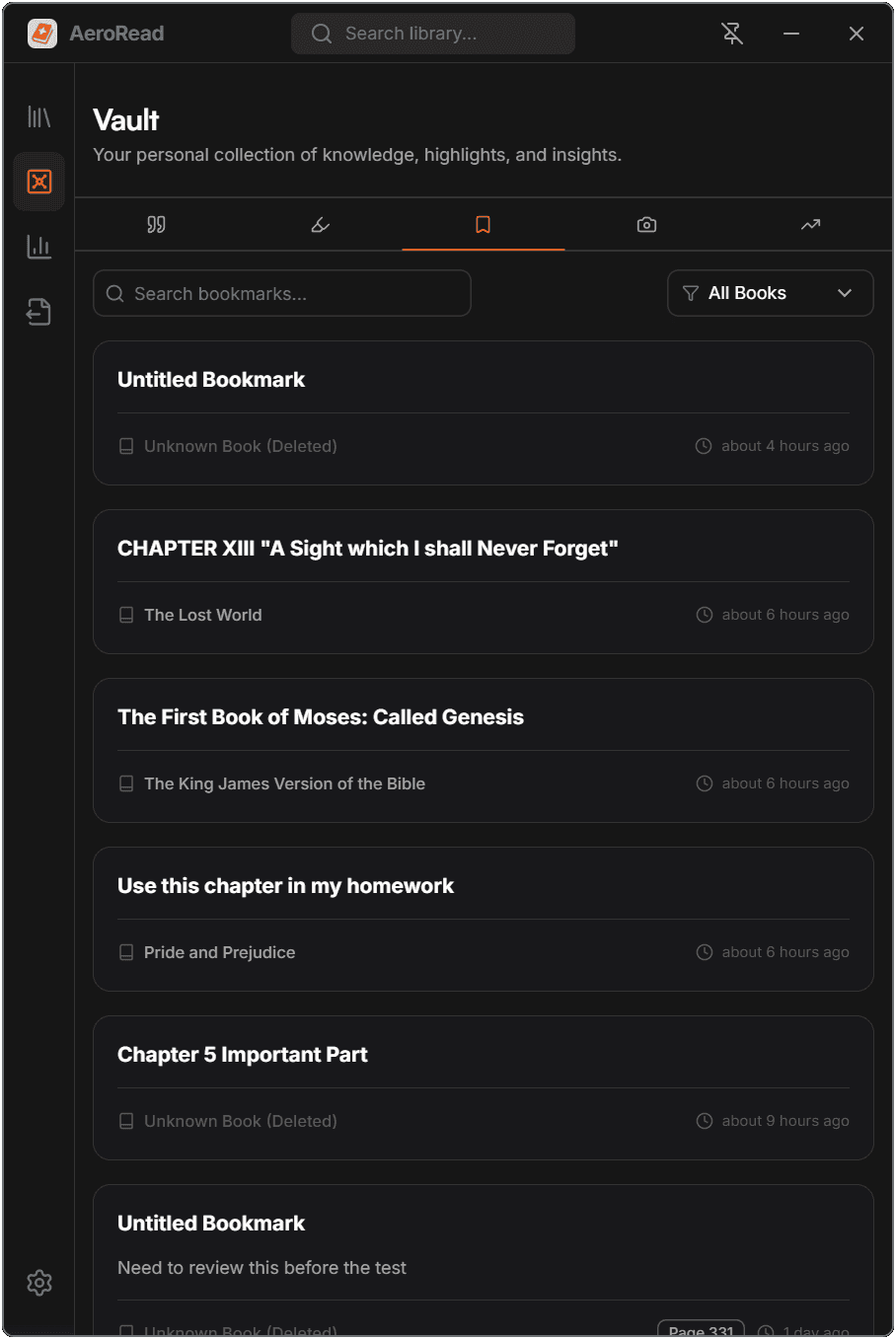
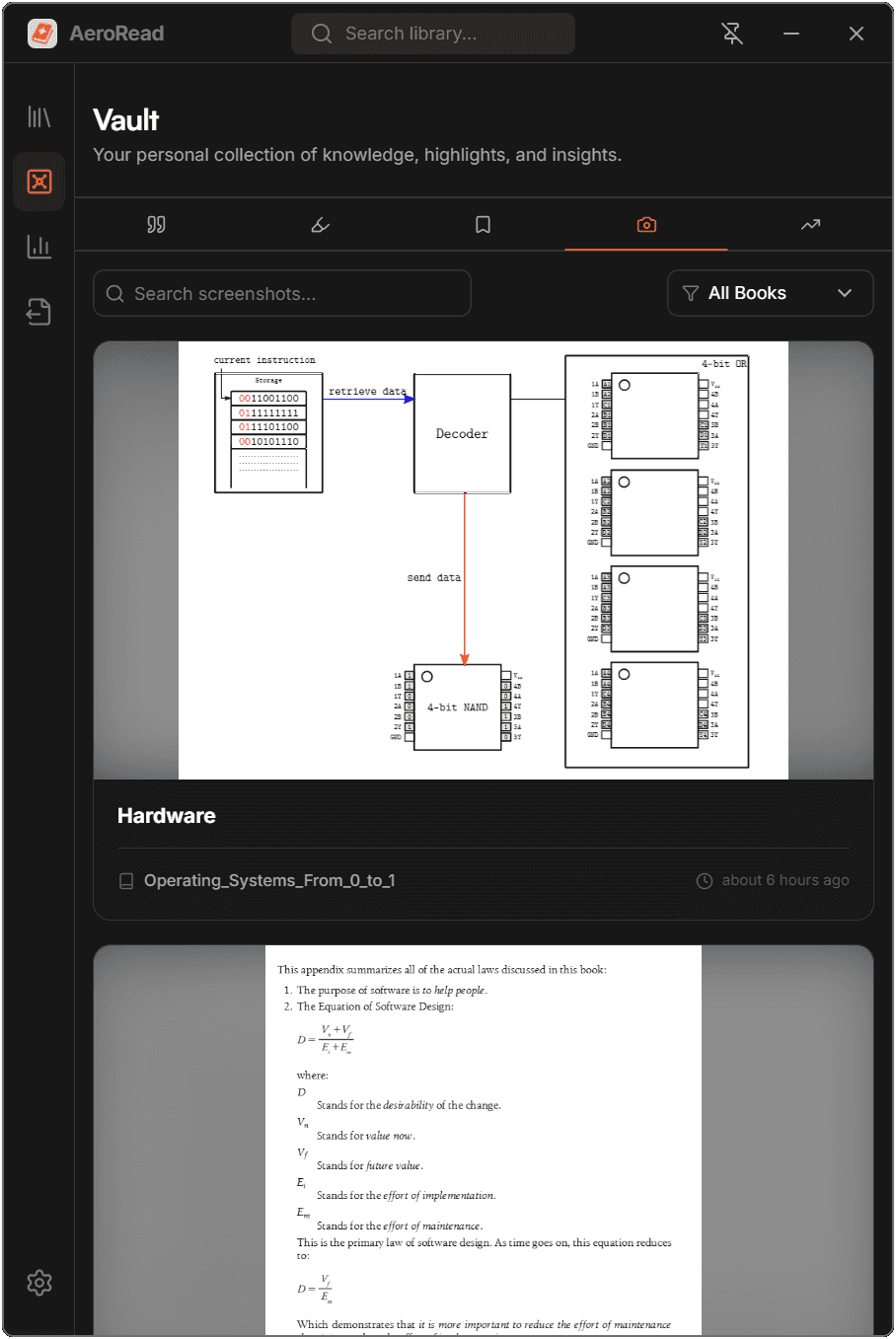
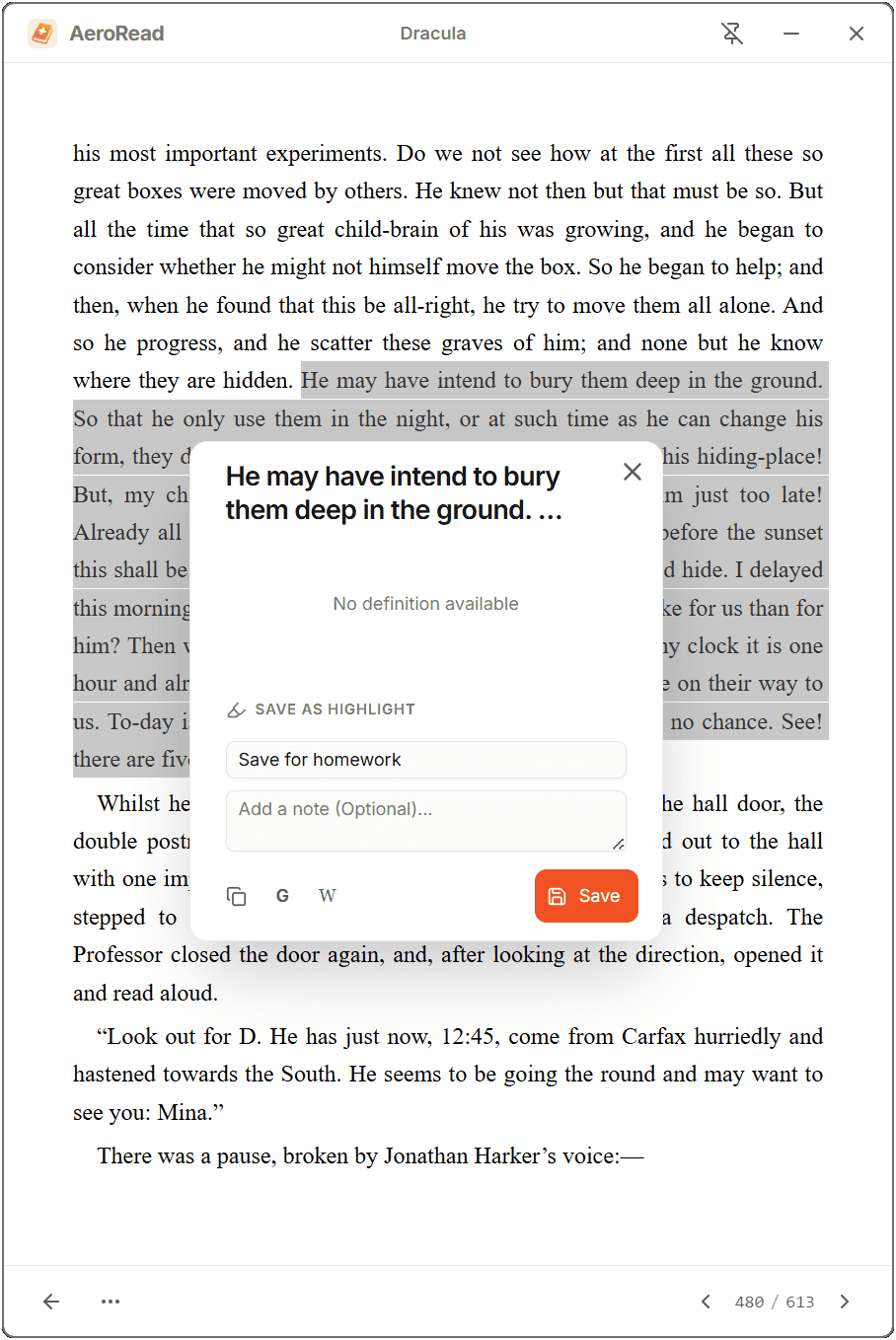
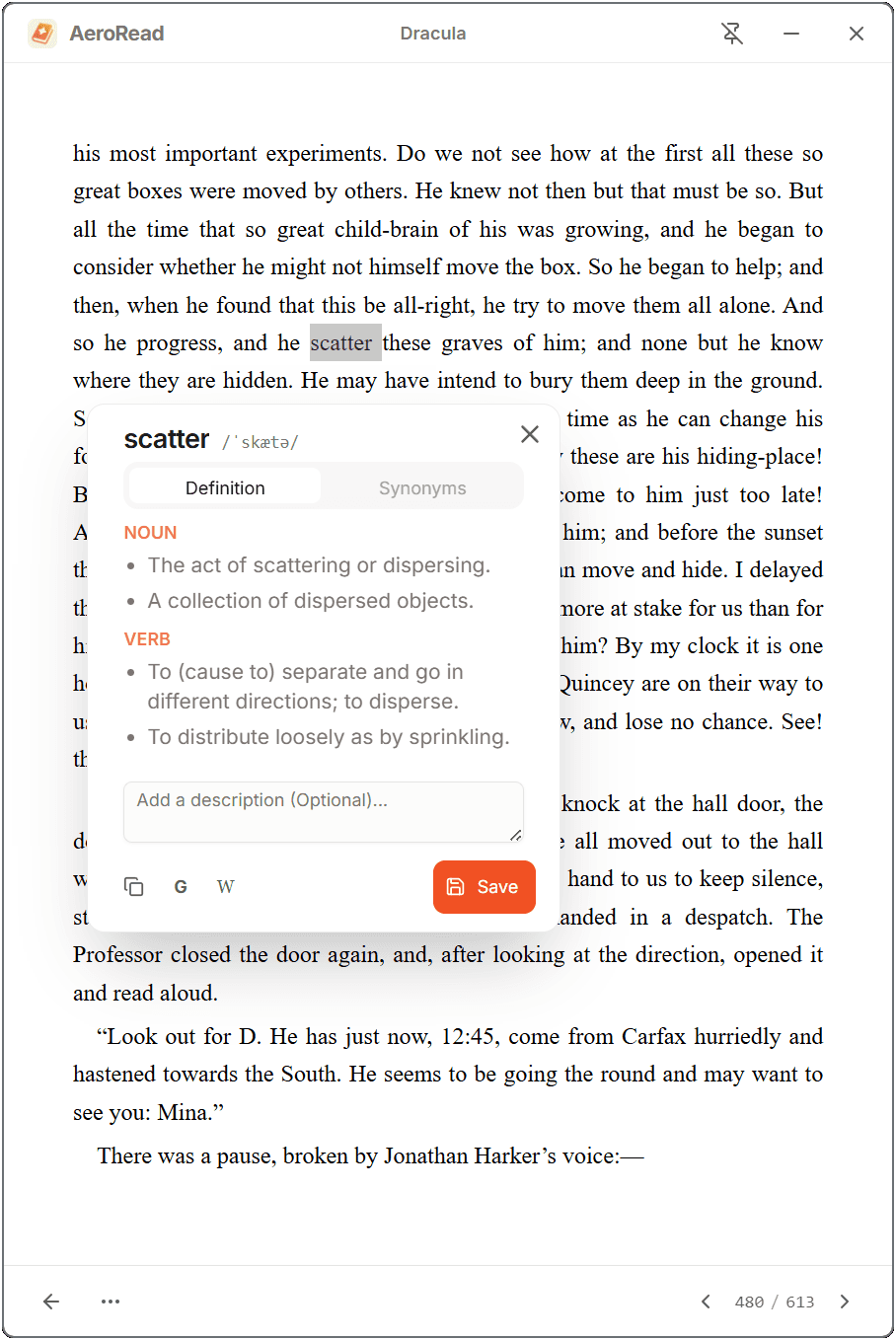
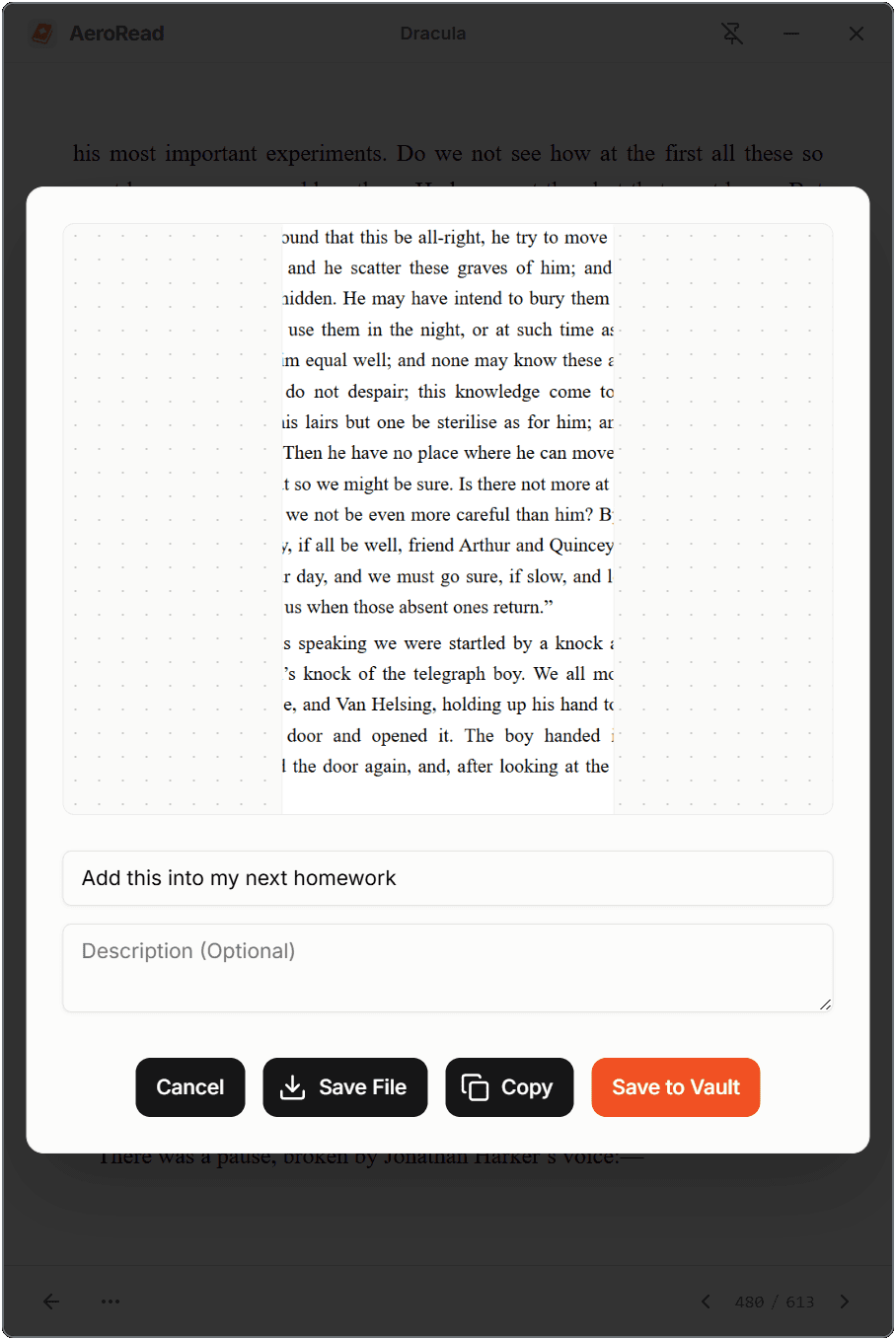
Every highlight you make, word you look up, and screenshot you capture is automatically saved. The Vault aggregates it all in one searchable, filterable hub — always local, always yours.
- Highlights, vocabulary, bookmarks
- Area snipping for diagrams
- Jump back to source with one click
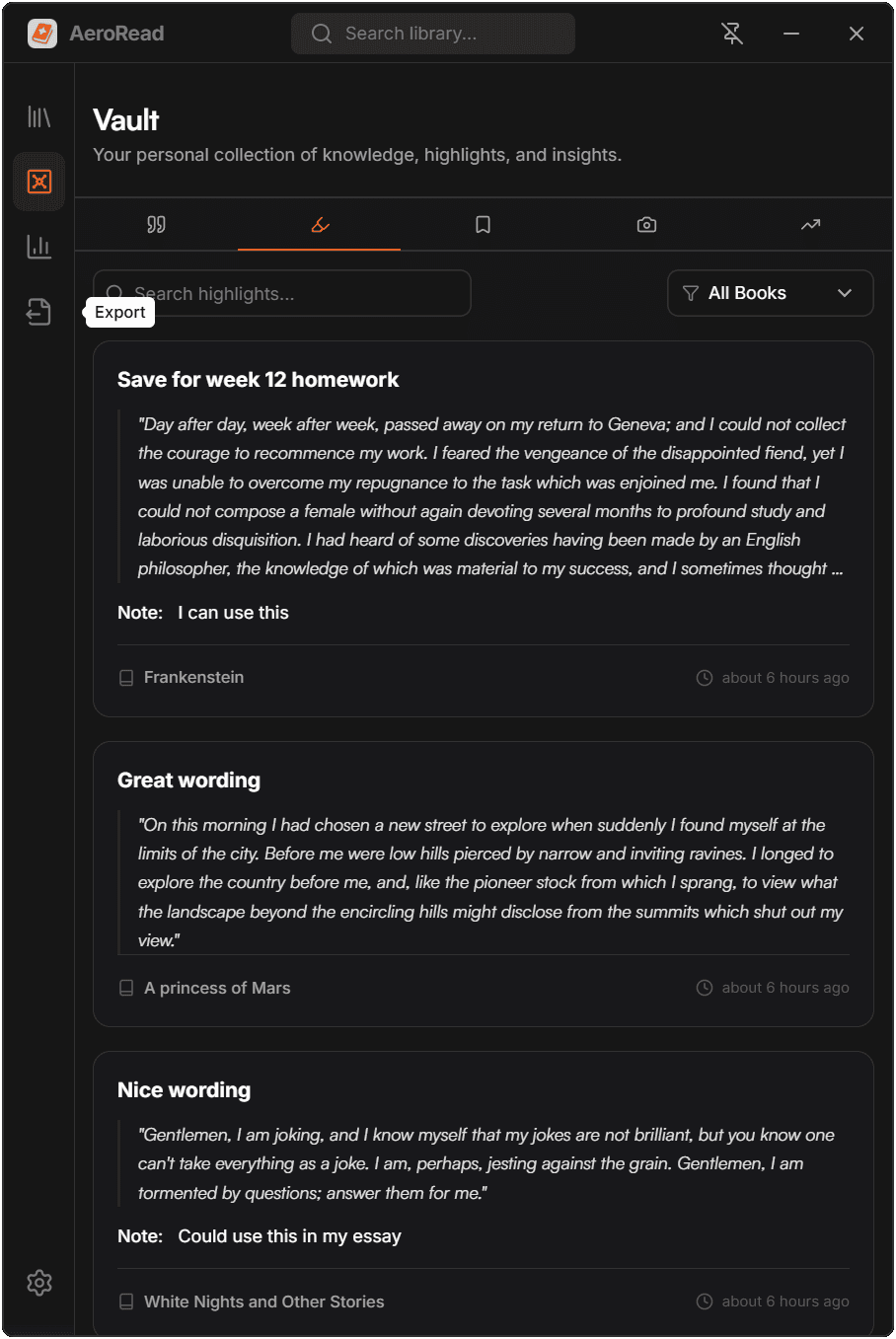
Reading Analytics
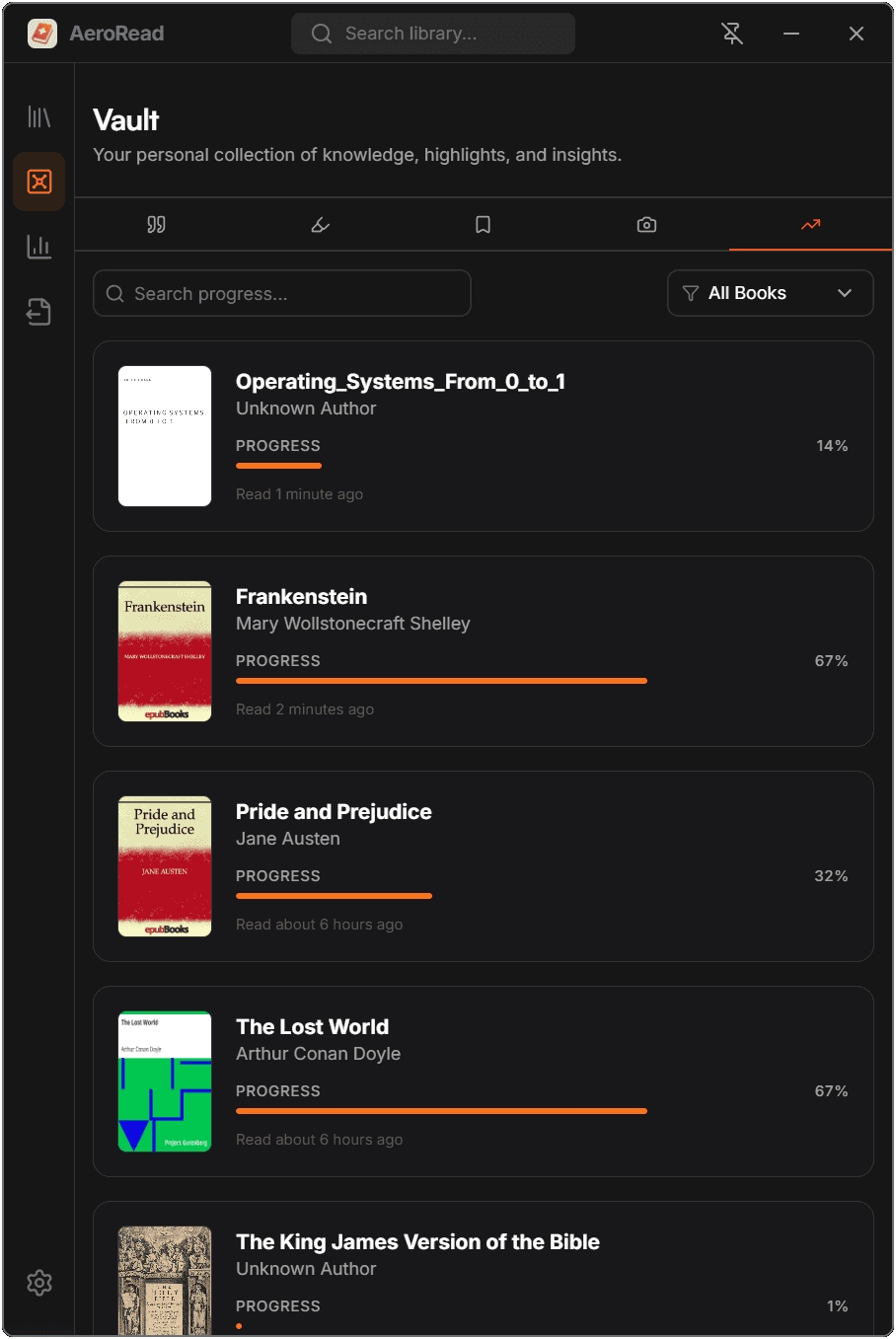
Track every session automatically. AeroRead builds heatmaps, calculates your reading speed, measures day and best streaks, and surfaces patterns to help you read more consistently.
- Reading speed & pages/hour
- Streak tracking & heatmaps
- Per-book session logs
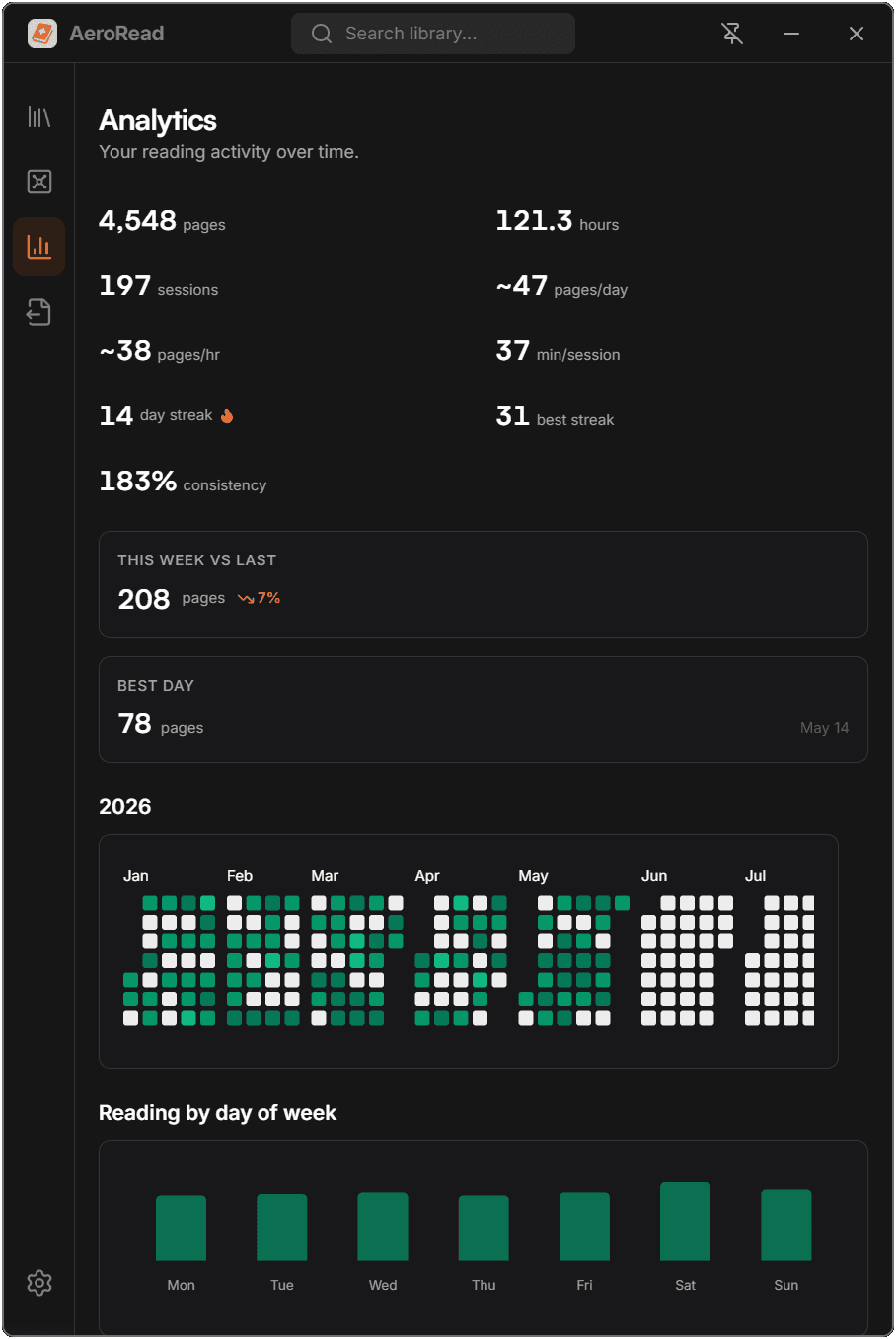
Your personal Knowledge Vault
Every highlight, vocabulary word, bookmark, screenshot, and reading progress entry is captured locally and organized in one searchable hub. Filter by book, search across everything, and jump back to the exact spot in your reading.
Highlights
Read your way.
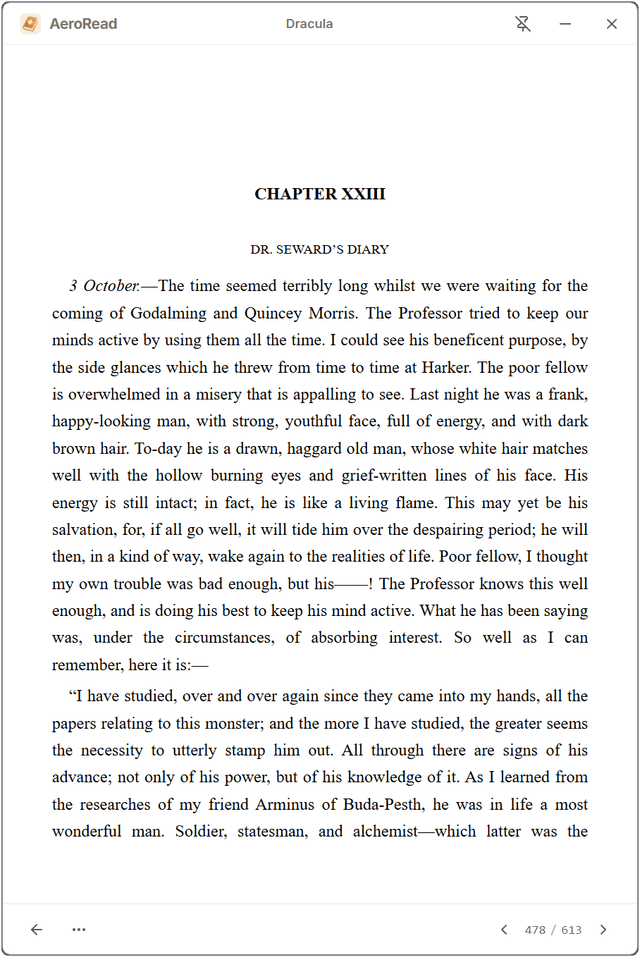
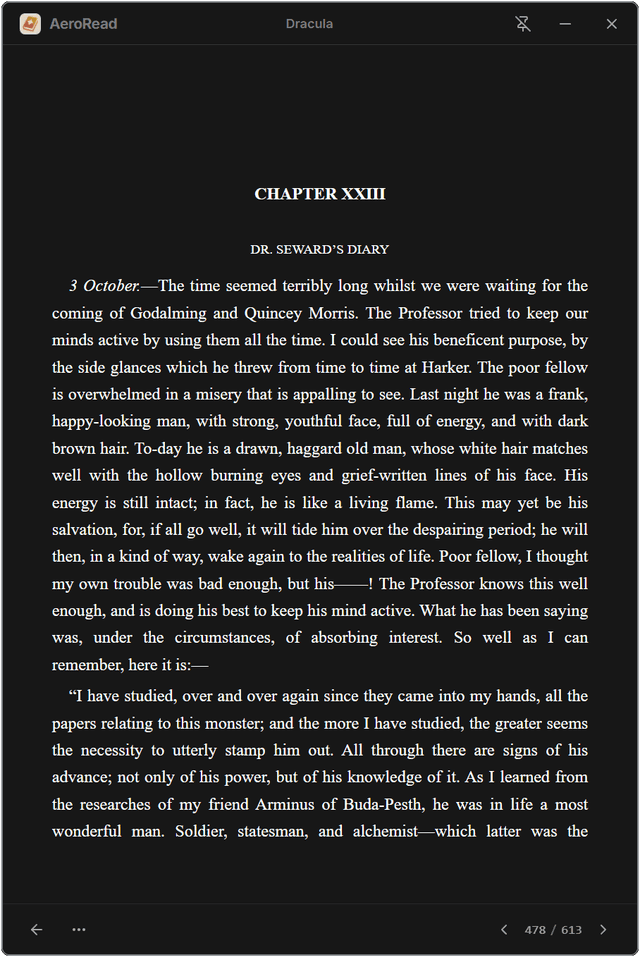
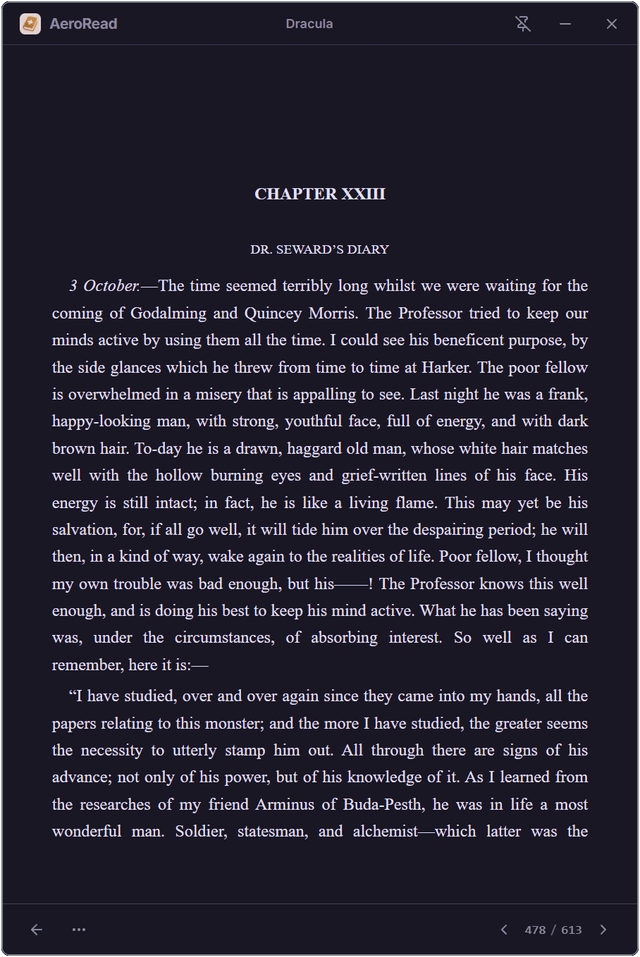
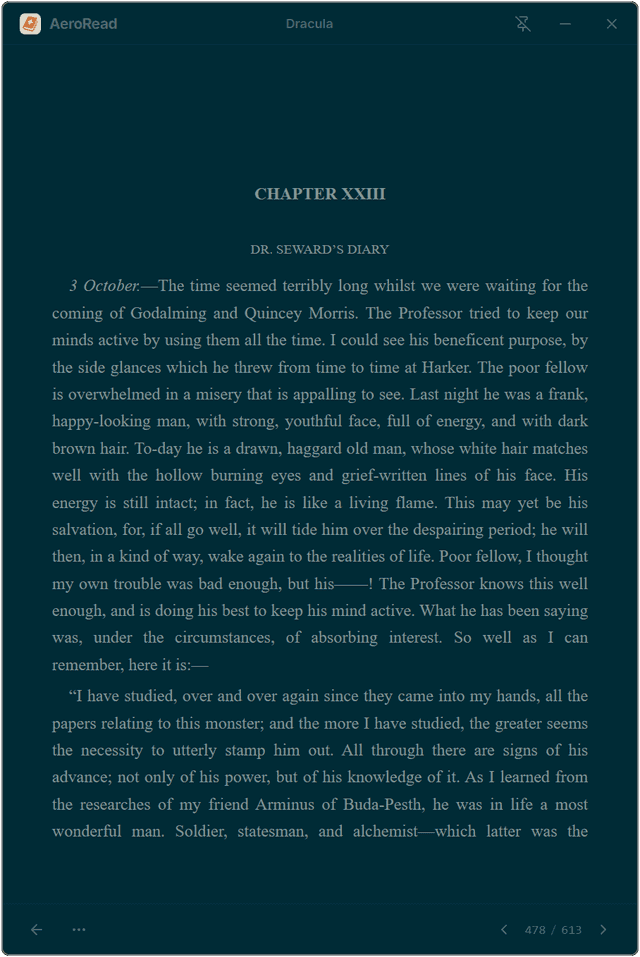
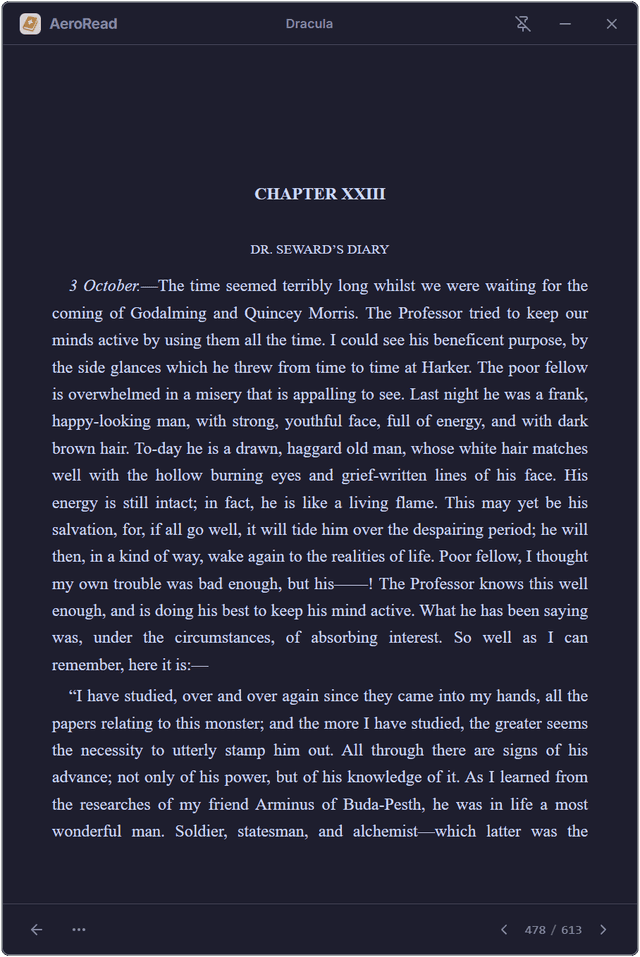
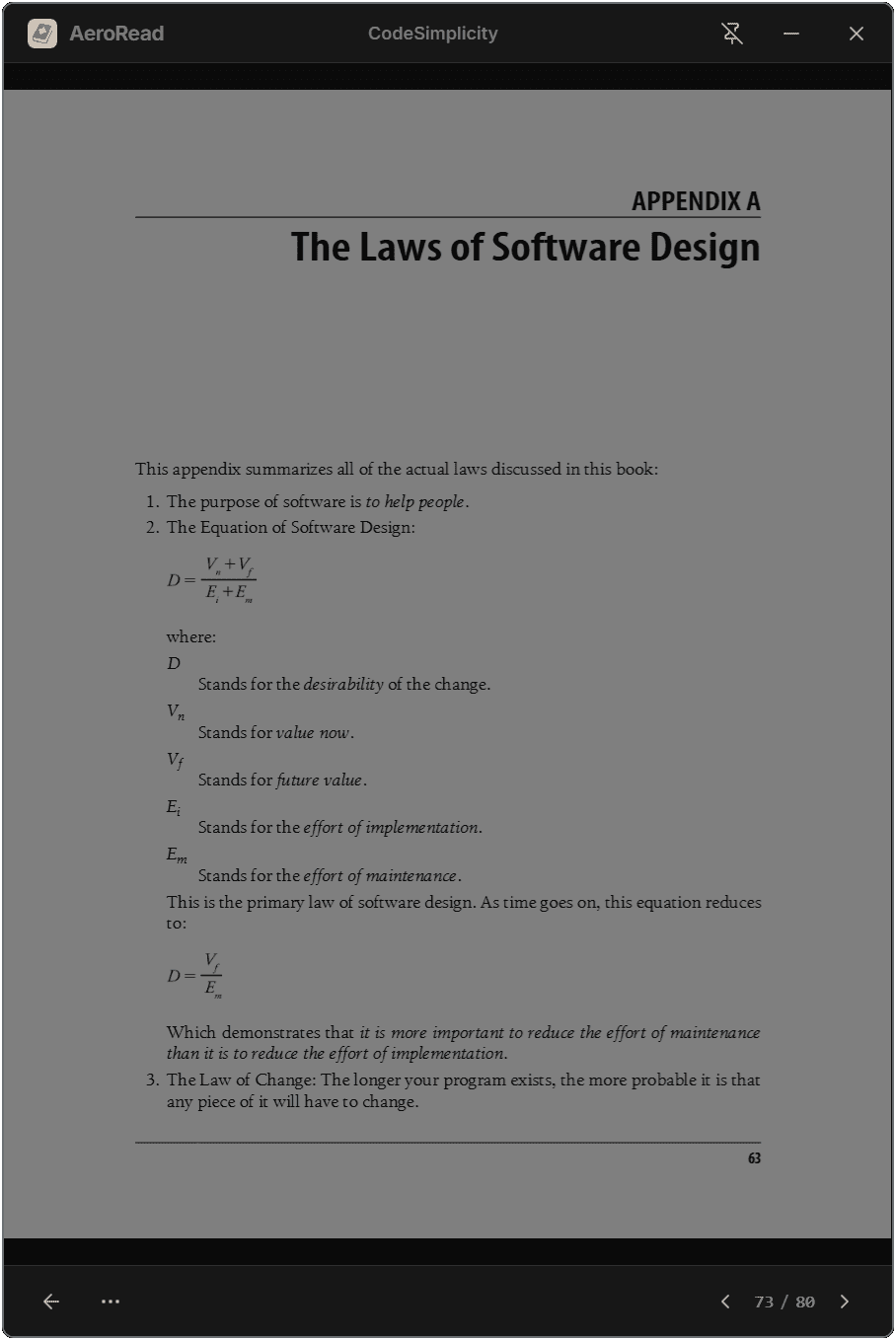
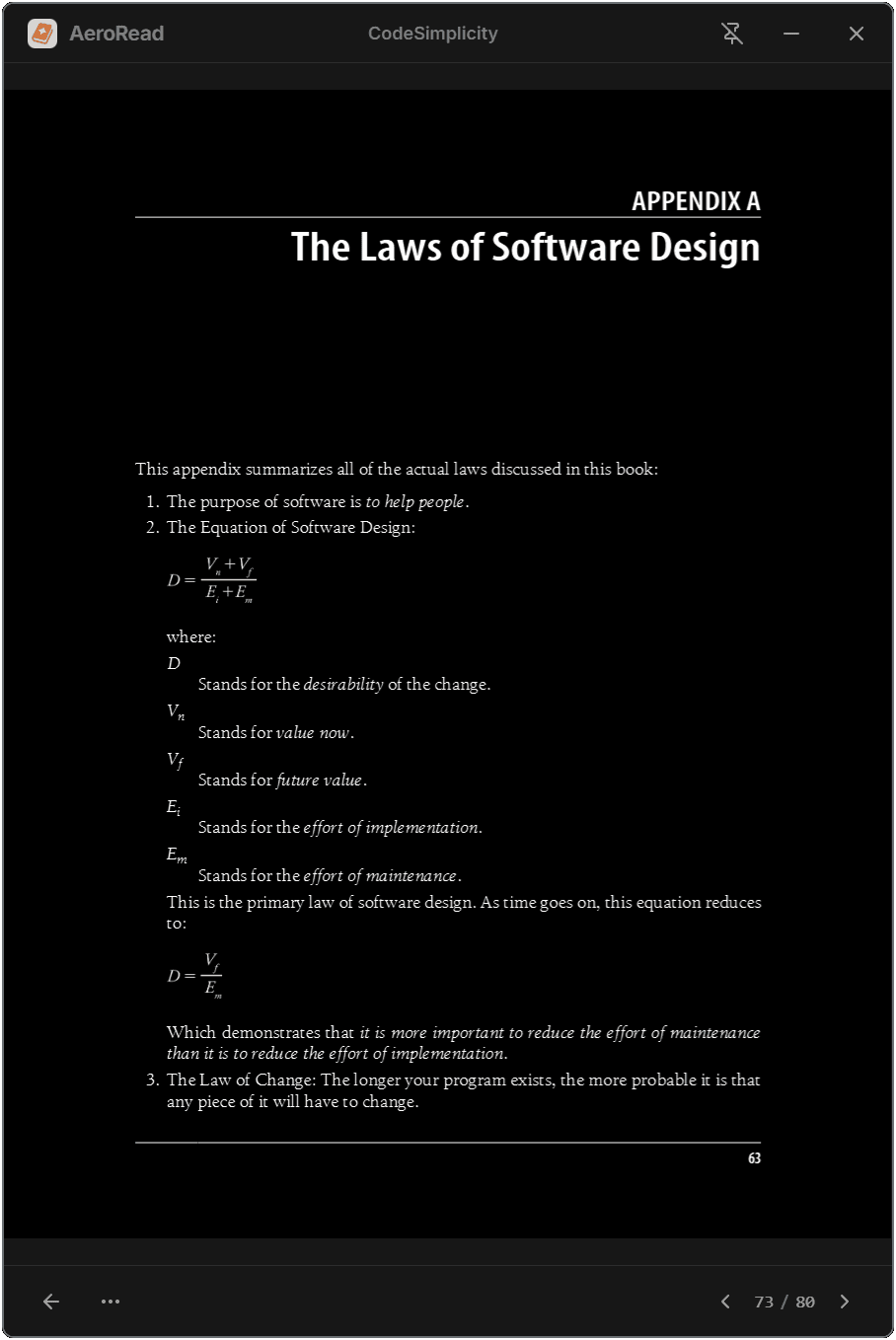
Choose from 9 carefully crafted reading themes. For PDFs, switch between Normal, Dimmer, and Invert modes to protect your eyes during long sessions.
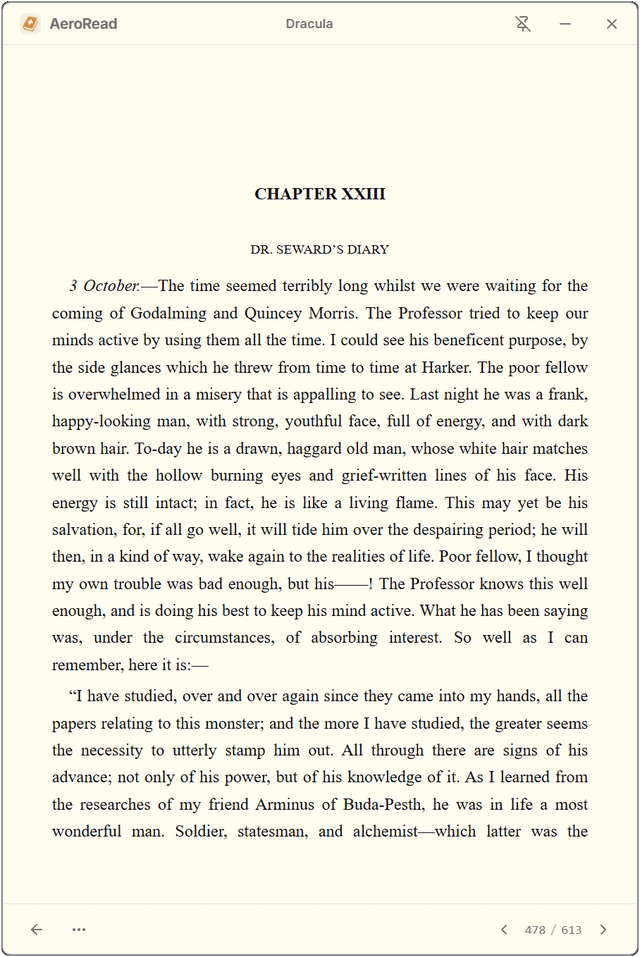
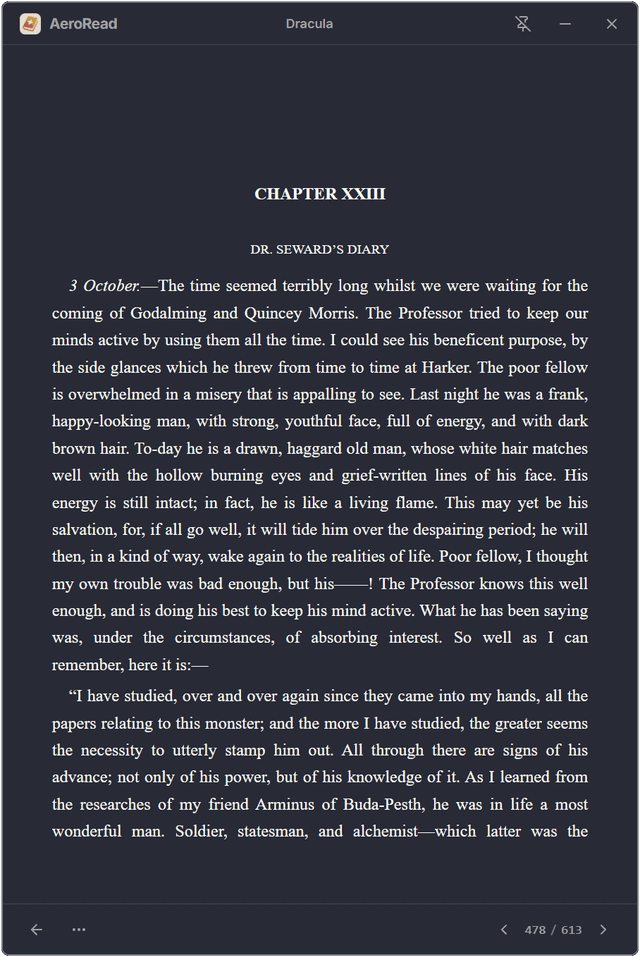
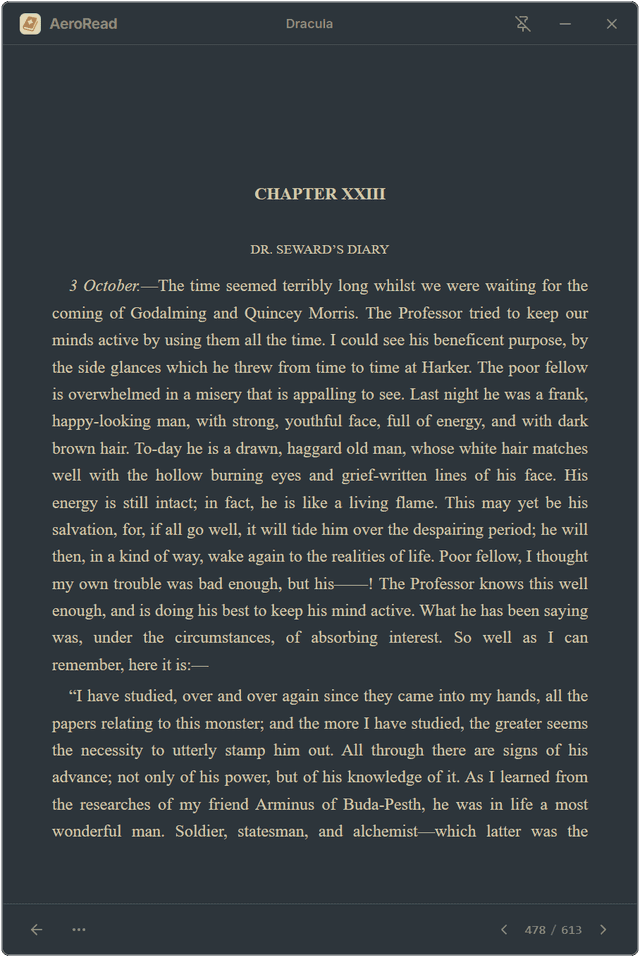
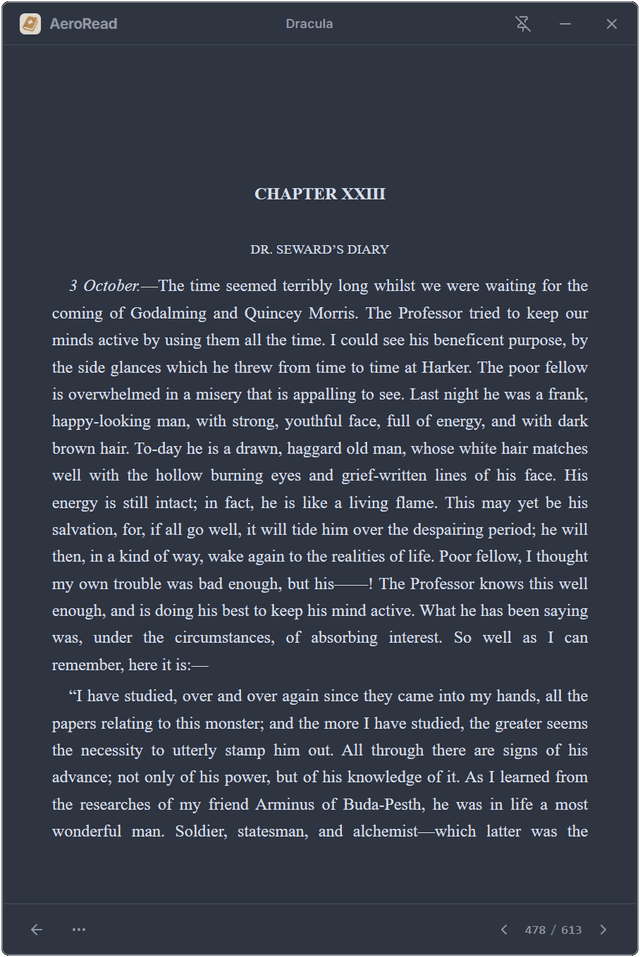
PDF Display Modes
AeroRead's PDF engine goes beyond basic viewing. Fine-tune brightness intensity to match your environment.
- Dimmer — reduces brightness while preserving colors
- Invert — full dark mode for white PDFs
Seamless Obsidian Export
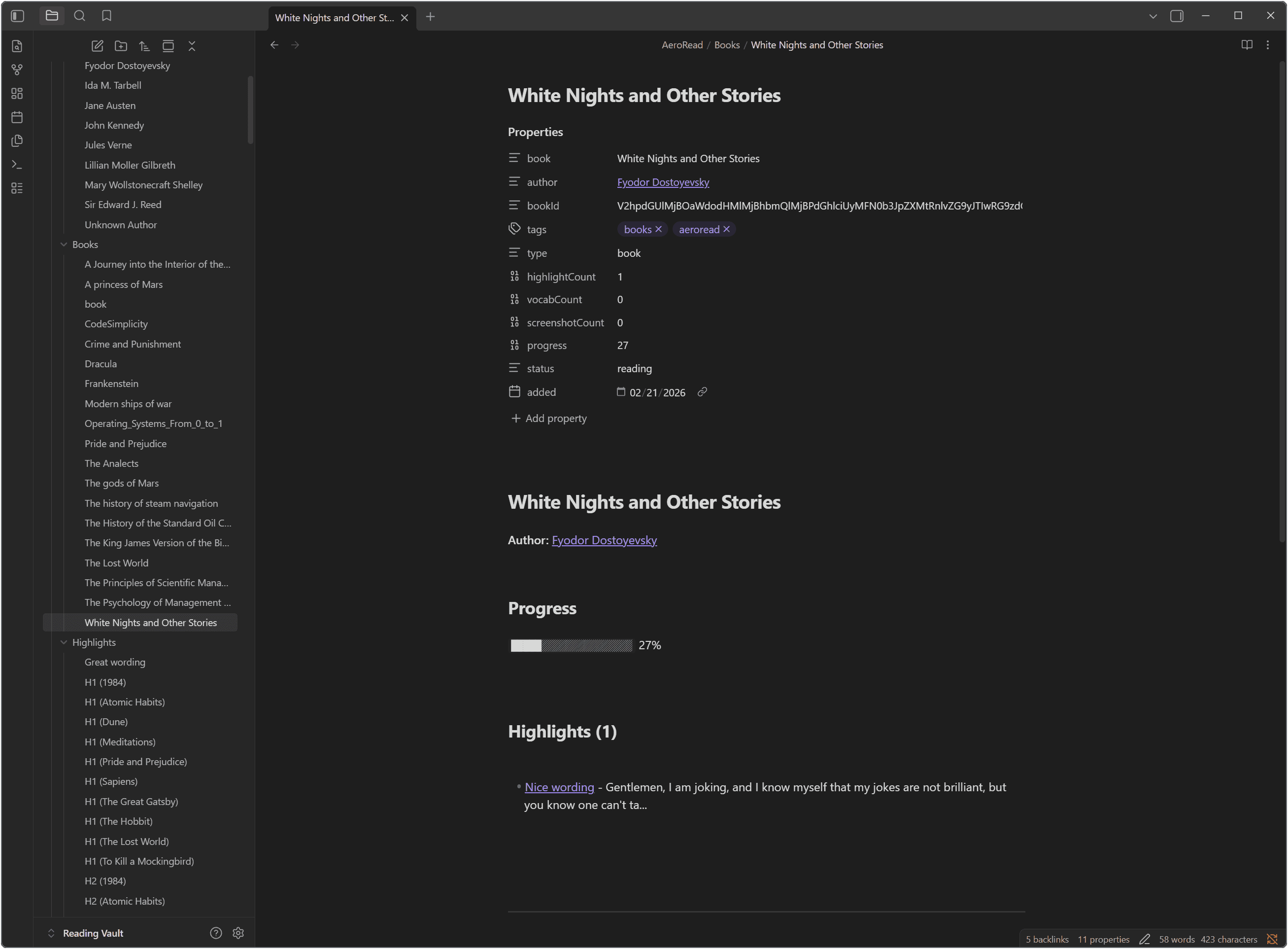
Your notes shouldn't be trapped in your reader. AeroRead features a powerful, template-driven export engine designed specifically for Obsidian and Markdown-based PKM tools.
Single File
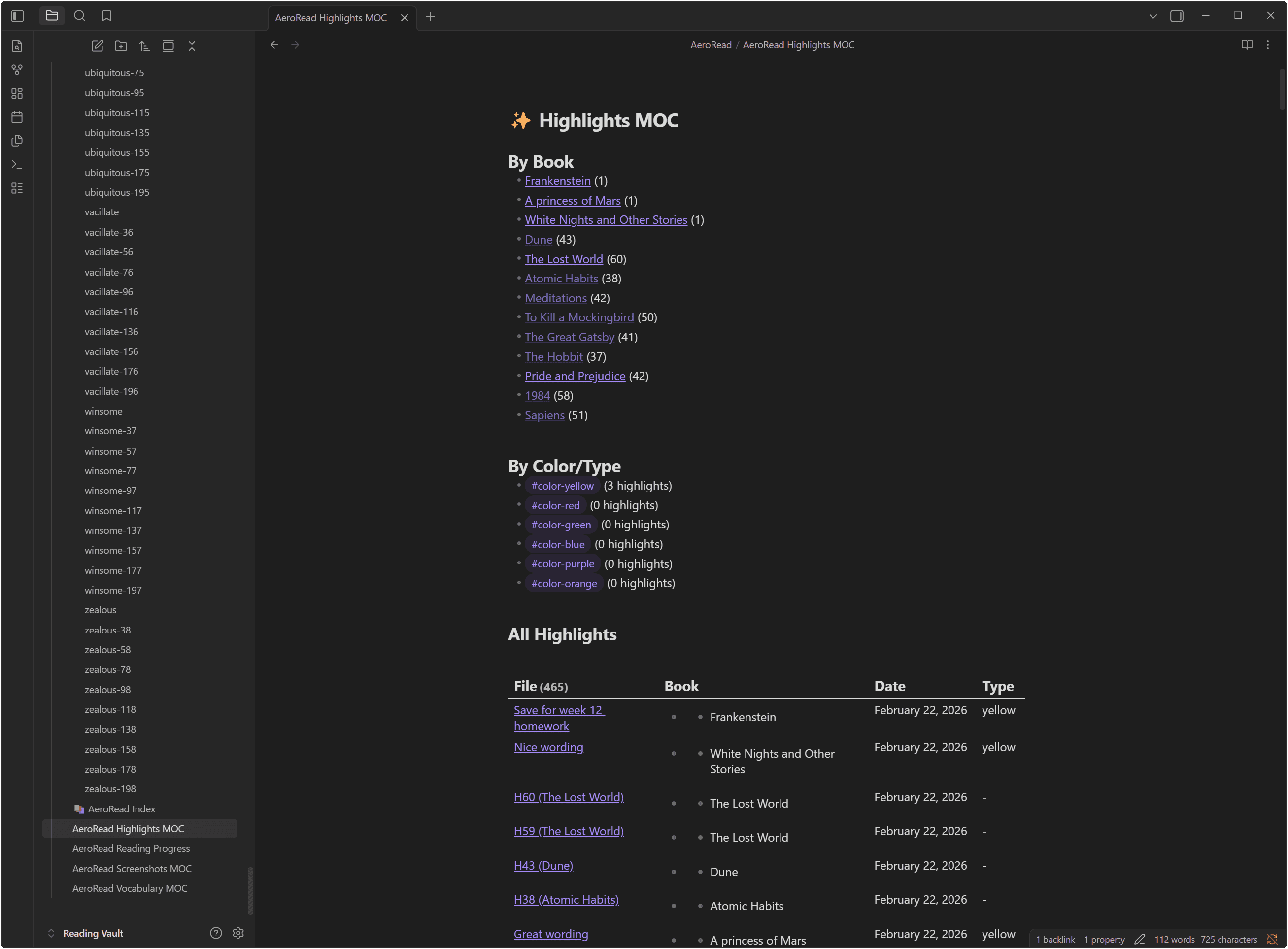
All highlights, vocabulary, or progress from a book in one clean Markdown file.
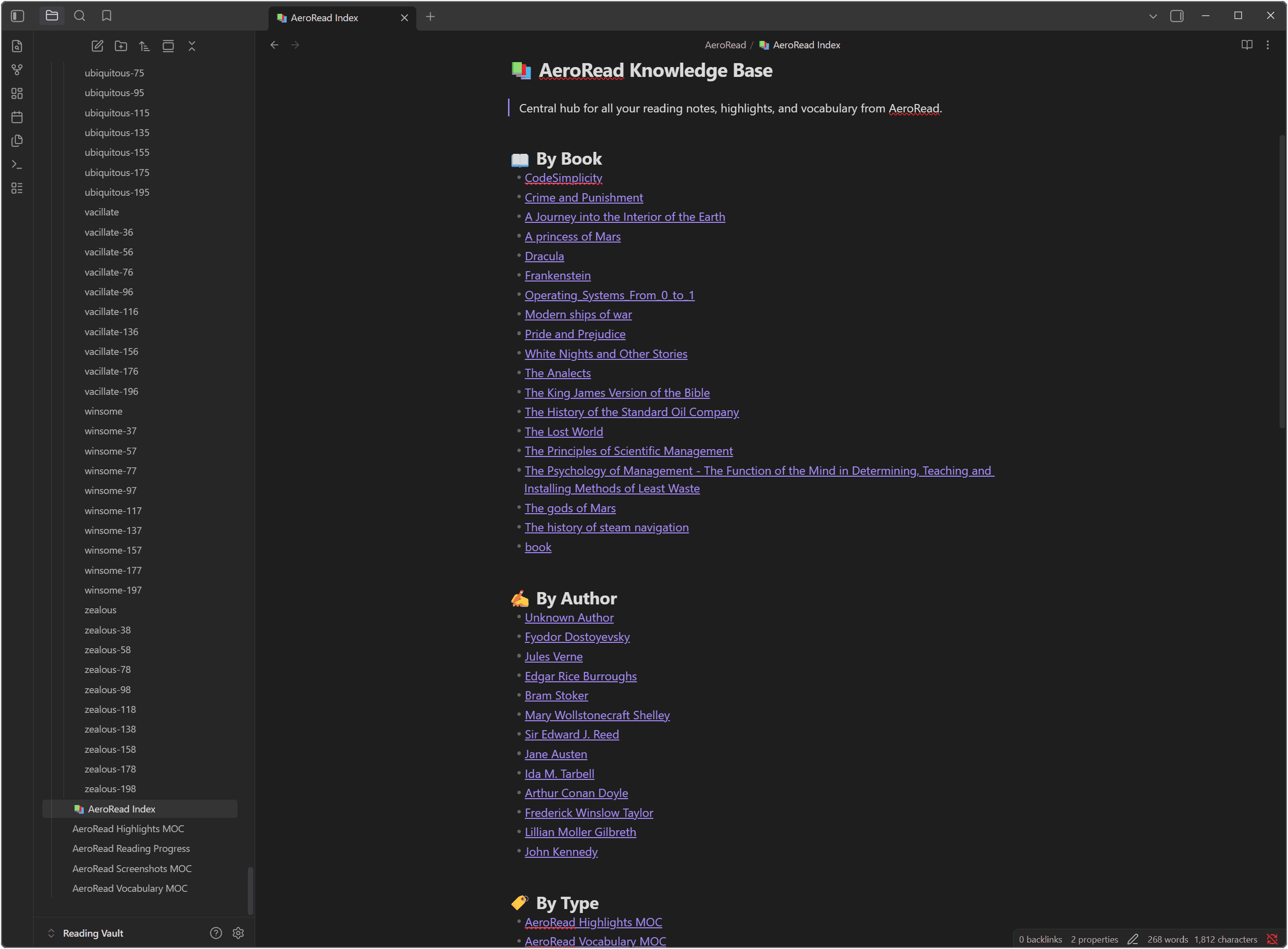
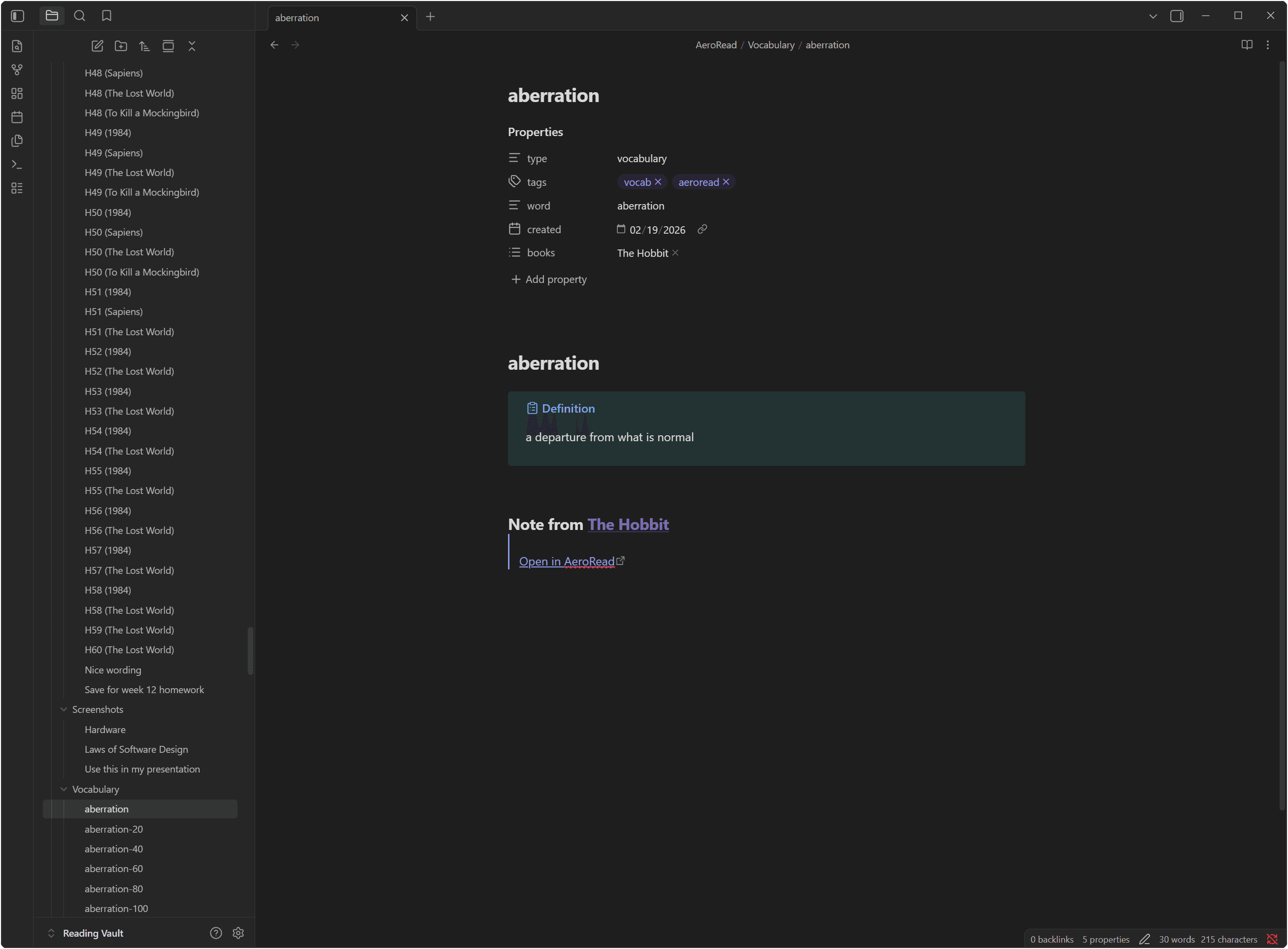
Separate Notes + MOCs
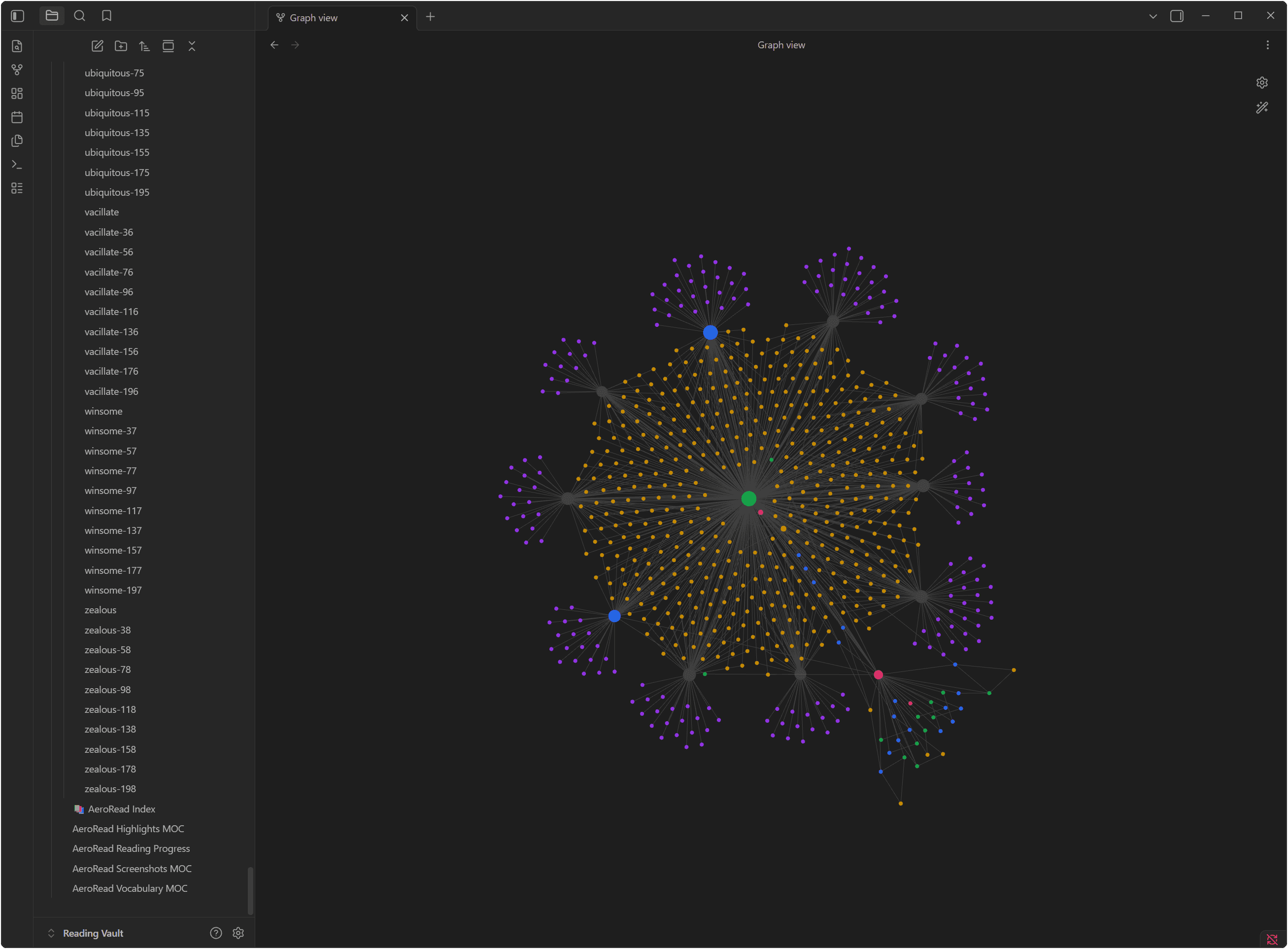
Each highlight and word gets its own note. Auto-generated Maps of Content link them together.
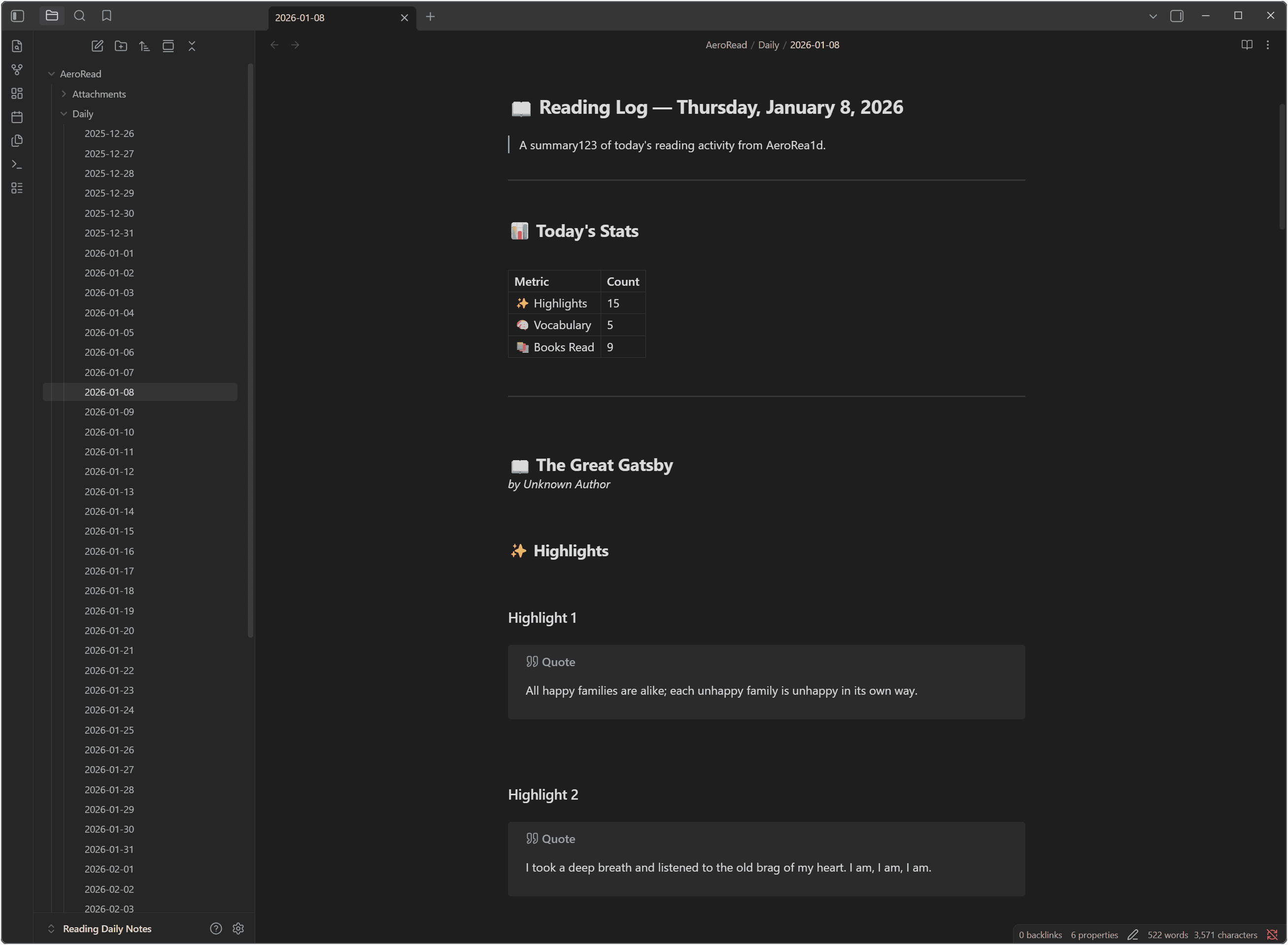
Daily Reading Log
A daily note summarizing everything you read, highlighted, and saved that day.
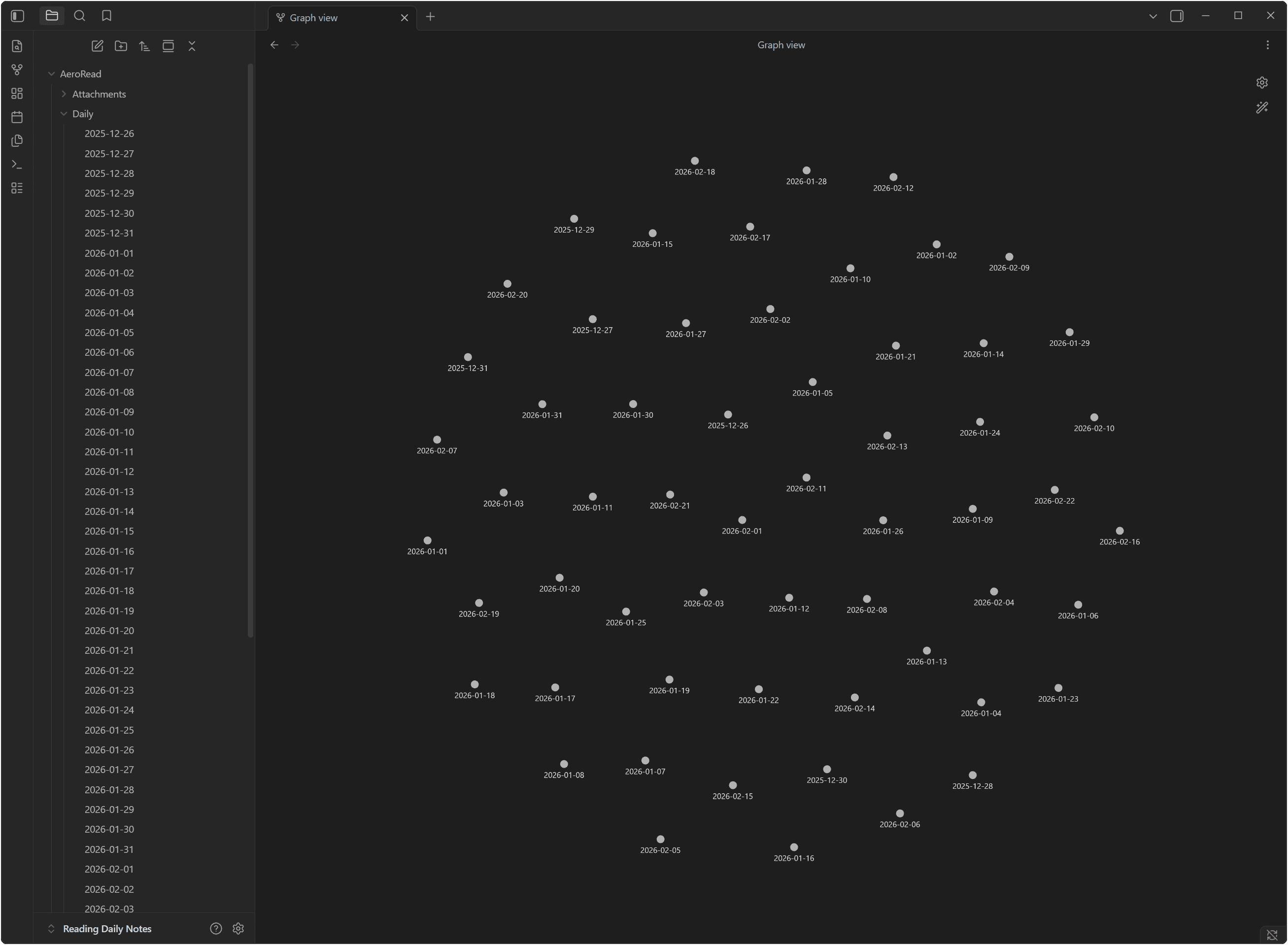
Graph View
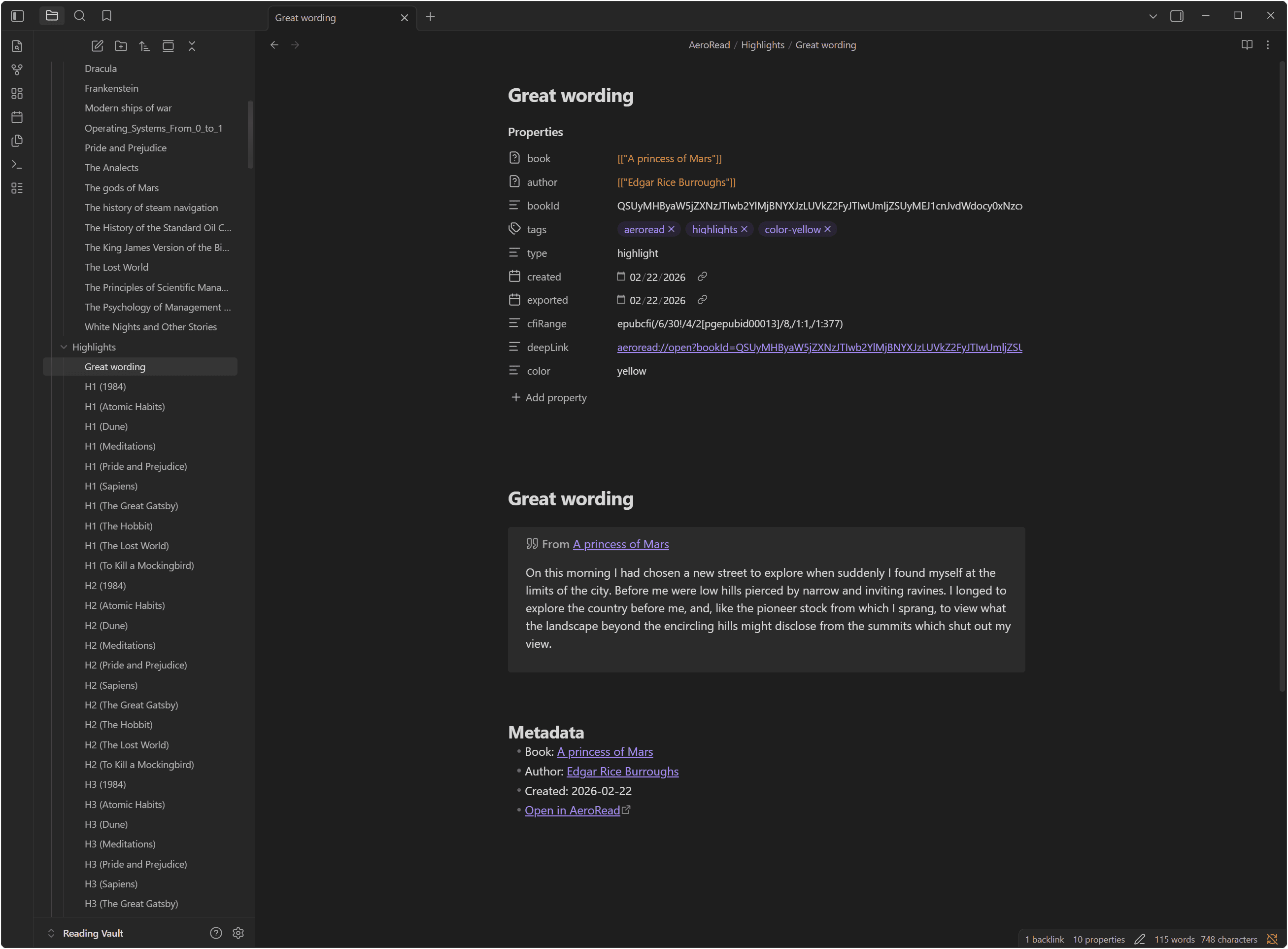
Fully customizable templates
Every export is powered by Handlebars templates you can edit directly. Change the structure, add your own frontmatter, or tweak the output to match your Obsidian workflow perfectly.
highlight.md
1{{frontmatter}}
2# {{title}}
3
4> [!quote] From [[{{book_title}}]]
5> {{text}}
6
7{{#if note}}## Notes
8{{note}}
9{{/if}}
10
11## Metadata
12- Book: [[{{book_title}}]]
13- Author: [[{{author}}]]
14- Created: {{created_date}}
15- [Open in AeroRead]({{deep_link}})Simple pricing. Read forever.
No subscriptions. No cloud lock-in. One payment for lifetime access.
Pay once. Own it forever. No renewal, no lock-in.
Everything included
- Full desktop app — Windows & Linux
- Unlimited highlights & vocabulary
- Area screenshots & bookmarks
- Advanced reading analytics
- Personal Knowledge Vault
- Obsidian Markdown export
- Activate on up to 3 devices
- Always-on-top pin button
- All future updates included
- 9 handcrafted reading themes
Frequently Asked Questions
What file formats does AeroRead support?
AeroRead currently supports EPUB, PDF, Markdown, and HTML files. We are constantly working on adding more formats.
Is AeroRead local-first and private?
Yes. All your books, highlights, vocabulary, and reading progress are stored locally on your device. We do not track your reading habits or upload your personal data to the cloud.
Can I export my data to Obsidian?
Absolutely. AeroRead has a powerful, built-in export engine that can generate Markdown files formatted perfectly for Obsidian, including daily notes, MOCs (Maps of Content), and individual highlight/vocabulary notes.
What does the lifetime license include?
A single $5 payment gives you lifetime access to the AeroRead Pro desktop app, including all current features (Vault, Analytics, Export) and future updates.
How many devices can I activate?
Your license allows you to activate AeroRead on up to 3 devices simultaneously. You can manage and deactivate devices from your web dashboard.
Ready to upgrade your reading?
Join the readers who have made AeroRead their personal knowledge hub.
Get AeroRead Now